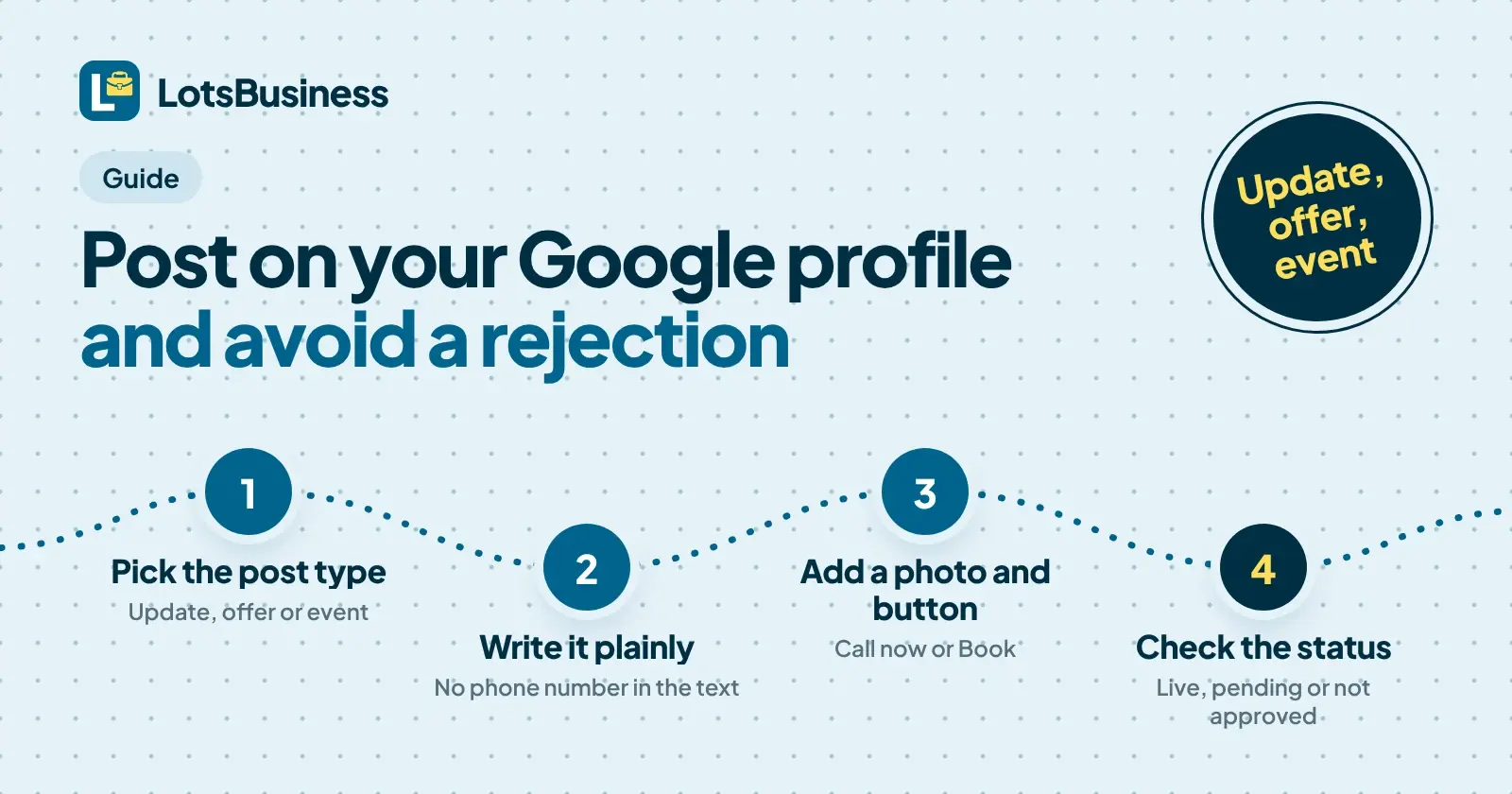
To post on Google Business Profile, open your profile, choose Posts, then Add post, pick Update, Offer or Event, add your text, photo and button, and select Post. Google reviews every post before it shows on Search and Maps, so the real question is what it will turn down. Phone numbers it cannot connect to your business, links to unrelated sites, offers on restricted goods and repeated copies of the same post are the usual ones.
I'm the founder of LotsBusiness, and I read Google's own Business Profile help pages for this guide. Below is what they say about post types, where posts show, photo and video limits and the content rules, each with the page and date. After that, how posting works in LotsBusiness, described only as far as the product does it today. If you still need the profile itself, start with how to get a business on Google Maps.
The three post types
Google's Create & manage posts page (checked on 5 November 2026) lists three types:
| Type | What Google says it is | What it needs |
|---|---|---|
| Update | "Share info about your business." | A description, photo, video and an action button with a link are all optional extras. |
| Offer | "Provide promotional sales or deals from your business." | A title, dates and time. Google adds a "View Offer" button automatically. Description, photo, video, coupon code, link and terms are optional. |
| Event | "Promote an event at your business." | A title, start and end dates and times. With no start or end time, Google shows the event as lasting 24 hours on the event dates. |
For updates, Google says the button "should direct customers to a website where they can complete the action, like make a booking, order online, or learn more." Google's page does not list a fixed set of button names, so I won't invent one here. The one button Google names elsewhere is Call now, covered below.
One more line from the same page: "Posts older than 6 months are archived unless a date range is set." That is why offers and events, which always have dates, behave differently from a plain update.
Where your post shows up
Per the same Google page, posts can show text, photos or videos, and customers find them in:
- the Updates or Overview tabs of the Business Profile on mobile, on Search and Maps
- the From the owner section of the Business Profile on a computer, on Search and Maps
- featured posts on mobile, which Google says is currently available in English for single-location food and drink businesses in the US, UK, Canada, Australia and New Zealand
A post is not live the moment you press the button. Google lists three statuses:
| Status | What it means (Google's words, shortened) |
|---|---|
| Live | The post is public and shows on Search and Maps. |
| Pending | It does not show yet: it is uploading, processing, or your profile is unverified. |
| Not approved | It does not show. The question mark next to the status points to the content policy the post violates. |
So an unverified profile is the first reason a post "isn't showing". Verification comes before posting; my Google Maps guide covers it.
Limits: text, photos and videos
Text length. I searched the raw text of Google's posts page and it states no character limit, so I won't quote one for Google. LotsBusiness accepts up to 1,500 characters of post text, and I write to that.
Photos. Google's Manage your Business Profile photos & videos page (checked on 5 November 2026) gives these photo guidelines:
| Photo | Google's guideline |
|---|---|
| Format | JPG or PNG |
| File size | Between 10 KB and 5 MB |
| Recommended resolution | 720 px tall, 720 px wide |
| Minimum resolution | 250 px tall, 250 px wide |
| Quality | In focus, well lit, no significant alterations or excessive use of filters |
Videos. Up to 30 seconds, up to 75 MB, 720p or higher. Those figures sit on the photos and videos page, not the posts page, so treat them as Google's media guidelines for the profile, which posts draw on.
Google's Tips for posting media to Maps (checked on 5 November 2026), which its photo policy links to, adds that you should avoid screenshots, stock photos, collages and heavily edited images, and avoid adding borders, text or collaged images. A poster-style graphic full of text is the kind of image to be careful with.
What Google can reject
Google's posts content policy (checked on 5 November 2026) is short. It says you are responsible for making sure posted content follows all applicable laws and regulations, and then covers three things that matter for posts. Underneath it sits the longer Prohibited & restricted content policy (also checked on 5 November 2026).
Phone numbers, emails and social handles
Google's posts page: "Posts that include a phone number in the post description might get rejected if they cannot be verified as being connected to the business on which they are posted." The policy page goes further: "To avoid fraud or abuse, we may remove posts with unverified contact information. This includes phone numbers, email addresses, and social media handles." Its alternative: "attach a Call now button to your post. This uses your verified Business Profile phone number."
My reading: leave the number out of the text, use the Call now button, and if the business has a second number, add it to the profile properly first.
Links and contact details that aren't yours
The prohibited content policy says that in posts, email addresses, phone numbers, social media links or links to other websites "that are not related to your business" are not allowed. It also says "Offers and updates that may be seen as promotional or commercial content are otherwise permitted in posts." So a post can promote your own business. It cannot send people somewhere unrelated.
Restricted goods and services
Google's list of regulated areas includes alcohol, gambling, tobacco, guns, health and medical devices, regulated pharmaceuticals, adult services and financial services. The policy says content may not show links to a landing page where restricted goods can be bought, contact details for buying them, or "deals, coupons, pricing information or other promotions" for them. The posts page puts it plainly: you can use posts in a regulated industry, but "do not include content about the products." Hotels have their own rule: they can't create offer posts, or any post that mentions deals, promotions or discounts.
Other things on the list
From the prohibited content policy, in plain words:
- Repetitive content: posting the same content multiple times is not allowed. Rewrite each post instead of pasting last month's.
- Paying for reviews: merchants may not offer incentives such as payment, discounts or free goods in exchange for a review. So a post saying "leave us a review and get 10% off" is exactly what this rule is about. That example is mine; the rule is Google's.
- Misleading content: false or misleading accounts of a good or service, and distorting or omitting facts to scam others.
- Offensive, adult or violent content: all prohibited. The posts page also says to keep posts family-friendly and respectful.
- Unclear content: a random group of characters, for example.
- Dangerous links: the system does not allow links that lead to malware, viruses or phishing.
Google's own tips on the posts page are simple: keep it professional, avoid misspellings and extra characters, add a descriptive title, and include event times and offer details.
A post that is easy to get approved
Here is how I'd set up the three types for a plumber, using only what the rules above allow:
- Update: "Our winter boiler checks are open. Booking takes two minutes." Button: Book, linking to your own booking page. No phone number in the text.
- Offer: "Free drain camera inspection with any blocked drain call-out, 1 to 30 November." Title, dates and a short terms line. Offers are not for restricted goods and have no review incentive.
- Event: "Open day at the workshop, Saturday 14 November, 10:00 to 14:00." Title, start and end dates and times.
How posting works in LotsBusiness
This is what the LotsBusiness pages say today (lots.business/pricing, /llms.txt, the API documentation and the tool list at api.lots.business, all checked on 5 November 2026).
- It needs a paid business. A free listing is always free; the website, Google Business Profile creation and posts need a plan. Starter is $120 a year ($10 a month billed yearly) or $19 a month for 1 business, and pay as you go is $20 per business a month. Current prices are on the pricing page.
- Connect Google. On the business's Google tab you connect your Google account, then link a Business Profile you already manage or create one step by step. Google runs its own verification and decides when the profile shows.
- Three post types. An update, an event (title and dates) or an offer (title, dates, coupon code, link and terms). The text can be up to 1,500 characters, with one public image.
- Buttons. Book, Order, Shop, Learn more, Sign up (each with a link) or Call. Offers can't have a button in LotsBusiness, which fits Google adding its own "View Offer" button.
- You approve first. The text is shown to you before a Google post goes out.
- Google's verdict is shown. If Google rejects a post, LotsBusiness reports it as an error. You can list your latest posts with Google's state (live, processing or rejected), and delete a post.
- Which account posts. Posts go through the Google account that is linked, and the Google tab shows whose it is. If you disconnect Google, posting pauses until you connect again. After an agency hands a business over, the client can switch posting to their own account: the steps are here.
- Paused if payment lapses. Nothing is deleted and your website stays online, but Google posts pause until you add a plan or credits again.
On reviews: LotsBusiness lets you reply publicly to reviews left on your LotsBusiness listing, which is the free directory page for your business. That is separate from the reviews on Google.
I built the dashboard so you can do all of this yourself. A website, hosting, Google profile steps and business email come in the same price per business; the pricing explained post has the full breakdown.
For agencies posting for clients
If you post for several clients, two rules matter most: never reuse the same post across profiles (Google lists repeated content as a violation), and keep each client's phone number out of the text and behind a Call now button. Each client is one business in your LotsBusiness workspace, with its own Google tab. When you hand a client over, see the hand-over guide.
Or ask your AI assistant
If you already use ChatGPT or Claude, you can connect it to LotsBusiness and ask it to draft a post. It shows you the text before anything goes to Google. Setup is on the LotsBusiness AI assistants page.
FAQ
How do I post on my Google Business Profile?
Open your Business Profile, choose Posts, then Add post, pick Update, Offer or Event, fill in the details and select Post. Google then reviews the post, and it shows on Search and Maps once its status is Live. You can also post from LotsBusiness on a paid business once its Google profile is linked.
How long can a Google Business Profile post be?
Google's posts help page does not state a character limit. LotsBusiness accepts up to 1,500 characters of post text, so that is the limit I work to. Short posts that lead with the point read better on a phone anyway.
Why was my Google Business Profile post not approved?
Google reviews every post against its posts content policy, and a post that breaks it gets the status Not approved. Common causes are a phone number Google cannot connect to your business, links to sites unrelated to the business, promotions for restricted goods such as alcohol or gambling, repeated copies of the same post, and offers that pay for reviews.
Can I put my phone number in a Google post?
Google says a post with a phone number in the description might be rejected if the number cannot be verified as connected to the business. Its alternative is a Call now button, which uses the phone number already verified on your Business Profile.
How long does a Google Business Profile post stay up?
Google says posts older than 6 months are archived unless a date range is set. Offers and events carry dates, so they run for the range you give. An update with no dates is archived after 6 months.
Can I create Google Business Profile posts from LotsBusiness?
Yes, on a paid business. Connect your Google account, link or create the Business Profile, and then post an update, an event or an offer from LotsBusiness or through your AI assistant. You approve the text before it goes out, and each post shows Google's own status: live, processing or rejected.
Sources (checked on 5 November 2026)
- Google Business Profile Help, Create & manage posts on your Business Profile
- Google Business Profile Help, Business Profile photos, videos & posts content policy
- Google Business Profile Help, Prohibited & restricted content
- Google Business Profile Help, Manage your Business Profile photos & videos
- Maps User Generated Content Policy Help, Tips for posting media to Maps
- LotsBusiness: pricing, llms.txt, API documentation, tool list, help