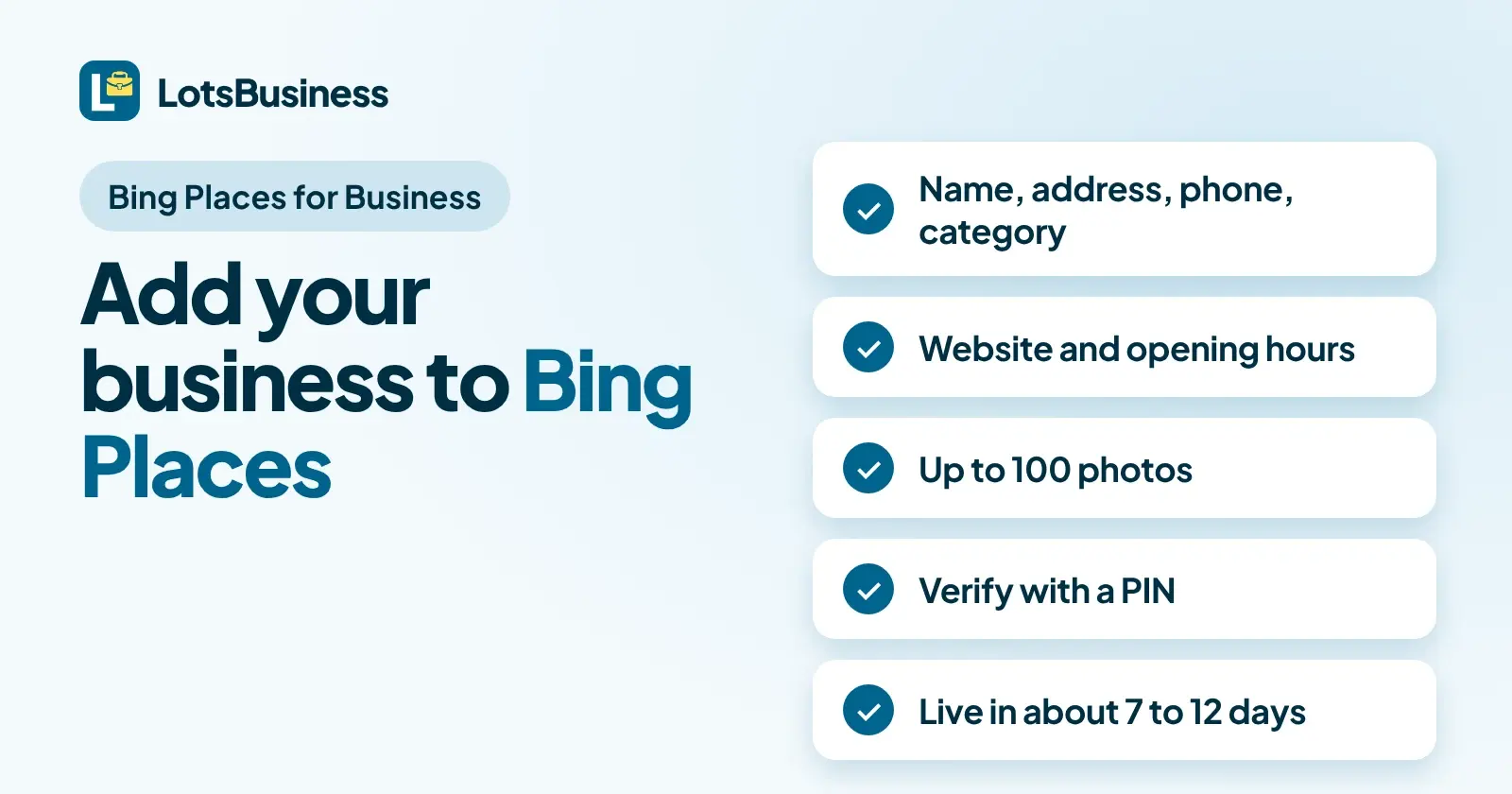
To add your business to Bing Places for Business, sign in at bing.com/forbusiness, search Bing for your business, claim the listing if it exists or choose Create a new business if it doesn't, then verify it with a PIN. If your Google Business Profile is already verified, you can import it and Bing verifies the listing for you. Microsoft says a verified listing then takes about 7 to 12 days to appear on Bing.
Every fact below comes from Microsoft's own Bing Places for Business help pages, which I opened on 6 November 2026. I'm the founder of LotsBusiness, so I also cover what LotsBusiness documents about Bing today, and the answer is narrower than you might guess.
Before you start: have these ready
Microsoft's "Complete your listing" section and its data quality guidelines tell you what a listing needs. Collect this first:
- Business name, address, phone and category. Microsoft lists these as the core of a complete listing. An address is required, with your suite or building number.
- A working business phone number. Microsoft says not to use a reseller or partner's phone number.
- Your website. Use your own business site. Microsoft says social profiles shouldn't be your primary website, but you can add them in the Social profiles section.
- Opening hours. You can give up to two time slots per day, or tick 24/7 open.
- Photos. You can upload up to 100.
- An email address you can read, in case you pick email verification.
One more rule saves you a rejection. Microsoft's guidelines say listings that don't follow them "could lead to suspension". Use the name customers know from your branding, and don't add descriptors like "best", "cheap" or "closed" unless they are legally part of your name.
Step 1: Sign in to Bing Places
Go to bing.com/forbusiness. Microsoft's Get started page says creating the account is just signing in, with a Microsoft account, a work account, Google or Facebook. Any listing you claim or create is tied to the email you sign in with, so use one the business will keep. Microsoft also says to manage a listing from one account, not several, to avoid duplicates.
Step 2: Search for your business, then claim or create
Search Bing for your business first. Microsoft's Create your listing page says: "If so, claim it. If a listing doesn't exist, create one."
- Choose the right country, enter your business name and location, and search.
- If several results appear, pick the one that matches your address. Report any duplicates.
- If the listing exists and nobody has claimed it, claim it to start verification. Updates only go live after verification.
- If someone else has claimed it, use the Request Access section Microsoft points to.
- If nothing is found, select Create a new business and enter your details.
If you've moved to a new address, Microsoft says to create a new listing with the new address and mark the old one as closed, not to edit the old one, because the old listing can stay linked to data sources for the previous address. There is no "Business Moved" status in Bing Maps today.
Step 3: Verify with a PIN
Verification protects the listing from unauthorized changes. Microsoft says it sends a PIN "via phone, mail, email, or text", and that some options won't be available to everyone.
- Phone: offered only if the existing listing already has the business phone number, unedited.
- Postal mail: postcards typically take 5 to 6 business days to arrive in the United States, and longer internationally. The FAQ says up to 12 business days. Microsoft recommends waiting at least 12 days before contacting support.
- Email: make sure the email on your account is one you can access. You can change it in Basic details.
- Text: listed as a PIN option, subject to availability.
If your PIN doesn't work, Microsoft says an agency or another user may have started verification from a different account, and you must enter the PIN in that same account. Otherwise check you typed all six digits, or ask for a new PIN. A tip from Microsoft's FAQ: search Bing Maps for your business name and full address, open the ellipsis next to the listing, choose Manage business, and after claiming you'll see the verification options available to you.
Before verification you may have limited editing. Full control arrives when it succeeds.
Step 4: Or import your Google Business Profile
If you already have a Google Business Profile, Microsoft has a faster route. Its sync page says: "If your business is already verified in Google Business Profile, Bing automatically verifies the imported listing."
- In your Bing Places account, select Import from your Google Business Profile.
- Choose whether to sync weekly, biweekly or monthly.
- Sign in to your Google Business Profile.
- Import the detected listings.
Read the small print before you rely on it:
- You can't choose which listings to import. Bing detects the eligible ones from your Google account.
- It can create duplicates, especially if the business is already on Bing.
- Google data overwrites matched listings. Microsoft's Get started page says that if listings are matched, Bing uses Google data to overwrite the Bing listing.
- Some fields won't match exactly, including categories and Google UTM tags.
- You can't edit linked listings in Bing. Change them in Google, then sync.
Turning sync off doesn't unlink the profile. It only stops future syncing.
Step 5: Wait for it to publish
After verification the listing enters a Publish Cycle. Microsoft's pages say:
- Typical timing is 7 to 12 days for North America and up to 2 weeks for the rest of the world.
- The dashboard can show Pending Publish, and the listing sometimes appears on Bing before the status changes.
- Every edit resets the clock. Microsoft says changing a pending listing updates the expected publish date, so wait for it to show before editing again.
- If it still isn't published after one full cycle, contact Bing Places support.
What Microsoft says causes trouble
Microsoft doesn't publish a single list of rejection reasons on the pages I opened. These are the causes it does name:
- Breaking the data quality guidelines, which "could lead to suspension": promotional words in the name, a mailing address you don't operate from, a PO Box, a reseller's phone number or a social page as the main website.
- A duplicate. Microsoft says a listing is marked as a duplicate when a similar name, address or phone number already exists, and a duplicate's editing panel is disabled. Claim the published listing instead.
- The wrong account for the PIN, as above.
- Service-area businesses without an address. An address is still needed internally, even if you hide it publicly.
For agencies
Microsoft says agencies need "a special authorization process" to manage listings for clients. If you start verification for a client from your account, the client's PIN only works in your account. I cover the Google side of client hand-over in handing a Google Business Profile to your client.
Where LotsBusiness fits
Here is exactly what LotsBusiness documents about Bing, checked on 6 November 2026 on lots.business, /help.md, /llms.txt, the API docs at api.lots.business/docs.md and its tools list:
- It guides you to Bing; it doesn't submit. The home page says LotsBusiness tells you "which directories matter for your country and trade, like Bing, Apple Maps or Yelp", gives you the exact details to enter and tracks what is done. The help page says: "No. LotsBusiness shows which directories matter for your country and trade, gives you the exact details to enter, and tracks your progress. You add the listings yourself."
- Bing Places for Business is in its directory catalogue. The public catalogue lists it as a maps directory, free, requiring verification, with the note "Can import directly from Google Business Profile."
- A listing pack for the form. For a paid business, LotsBusiness builds the details a directory asks for, worded the same way every time: name, phone, address or service area, website, categories, descriptions of 80, 160 and 750 characters, hours, services and photos, plus what is missing. You copy these into Bing Places.
- Progress tracking. You can record each directory as not started, in progress, needs action, submitted, live (with the listing URL), rejected or skipped, with notes.
- Google first. LotsBusiness walks you through creating and verifying a Google Business Profile, with Google's own verification. That profile is what the Bing import in step 4 reads. LotsBusiness doesn't sync anything to Bing itself.
- Bing site verification is a separate thing. The site settings have a field for the Bing verification meta tag, which is for Bing Webmaster Tools, not for a Bing Places listing.
What it costs: the directory listing in LotsBusiness is free. The listing pack and directory tracking come with a paid business, and Starter is $10 a month billed yearly ($120), or $19 billed monthly, for one business. New accounts get free credits with no card needed. Prices checked on lots.business/pricing on 6 November 2026.
If you also want the other maps covered, see how to get a business on Google Maps, how to add your business to Apple Maps, how to post on Google Business Profile and the free business listing sites that matter.
If you use an AI assistant, you can connect it to LotsBusiness and ask it to read your listing pack, then paste the details into Bing Places yourself. Everything works in the dashboard too.
FAQ
Is Bing Places for Business free?
LotsBusiness's own directory catalogue lists Bing Places for Business as free, and none of the Microsoft help pages I opened on 6 November 2026 mention a fee for creating or claiming a listing. Check the price on Microsoft's sign-up flow before you start if it matters to you.
How long does Bing Places verification take?
It depends on the method. Microsoft says postcards typically arrive within 5 to 6 business days in the United States and may take up to 12 business days, and it recommends waiting at least 12 days before contacting support. If your Google Business Profile is already verified and you import it, Microsoft says Bing verifies the imported listing automatically.
How long until my listing shows on Bing?
Microsoft says a verified listing usually takes 7 to 12 calendar days to be published and appear live on Bing, and typical Publish Cycles are up to 2 weeks outside North America. Editing a listing while it is pending changes the publish date, so wait for it to go live before making more changes.
Can I import my Google Business Profile into Bing Places?
Yes. In your Bing Places account select Import from your Google Business Profile, choose a weekly, biweekly or monthly sync, sign in to Google and import the detected listings. Microsoft says you cannot pick specific listings, the import can create duplicates, and listings linked to Google cannot be edited directly in the Bing Places dashboard.
Does LotsBusiness submit my business to Bing Places?
No. LotsBusiness shows which directories fit your business, gives you the exact details to enter in a listing pack, and tracks your progress, but you or your agency submit the listing yourselves on Bing Places.
Do service-area businesses without a shop need an address?
Yes, an address is still required. Microsoft says service providers can hide the address from the public listing, you can add up to 20 service areas, and a PO Box or a mailing address you don't operate from can't be used.
Checked on 6 November 2026 against Microsoft's Bing Places for Business help pages: Create your listing, Get started, Sync your Google Business Profile with Bing Places, Frequently asked questions and Data quality guidelines.